
How to install the Twine app
Step 1
Tap the 'Share' button at the bottom of the screen.

Step 2
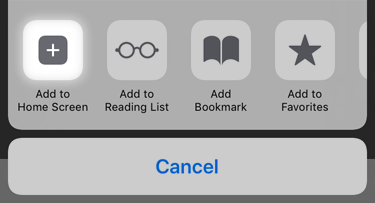
Tap 'Add to Home Screen' button.
Step 3
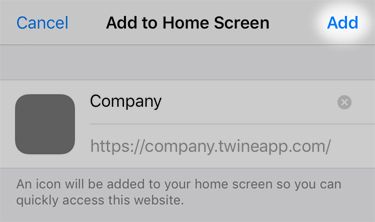
Tap the 'Add' button.
Step 4
You're done! You can now launch the Twine app from your home screen by tapping the icon.

Step 1
Tap the 'Add to your home screen' link in prompt at the top of the screen (it may not be visible straight away).

Step 2
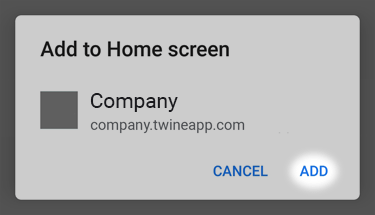
Tap the 'Add' button.
Step 3
You're done! You can now launch the Twine app from your home screen by tapping the icon.

We can't tell which device you're using. Please manually select an option above.